






You can view your recent call history in the Convo Now mobile app, but if you need to download a copy of your Call Log, you’ll need to sign in to Convo on the web.
View your Call History on mobile
Open the Convo Now app and go to your Call History to see details of your previous calls.
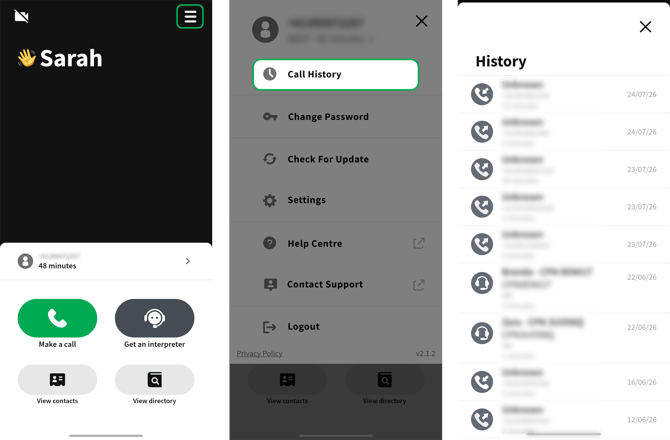
Call Logs cannot currently be downloaded from the mobile app.
Download your Call Log
- Sign in to your Convo Now account using the web version.
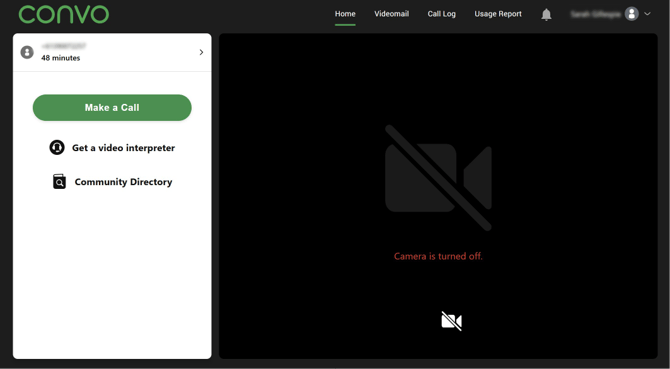
- Go to Call Logs.

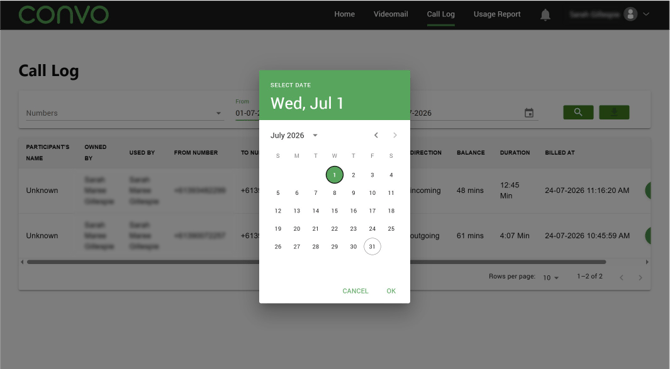
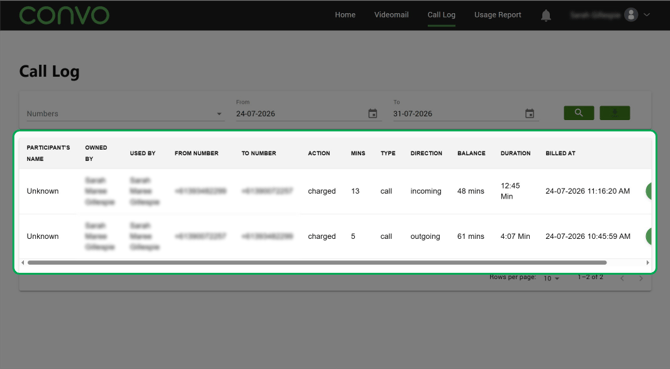
- Select the date range you need.
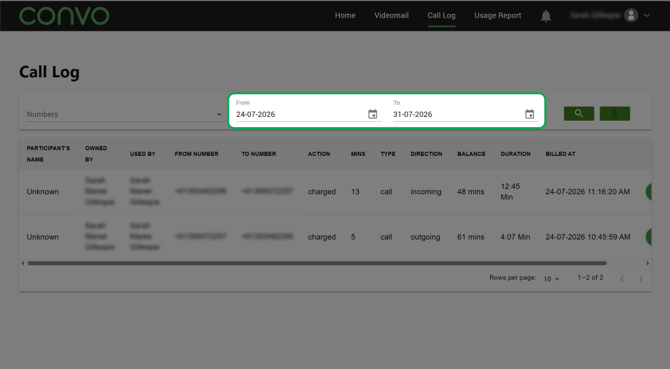
- Review your call information.
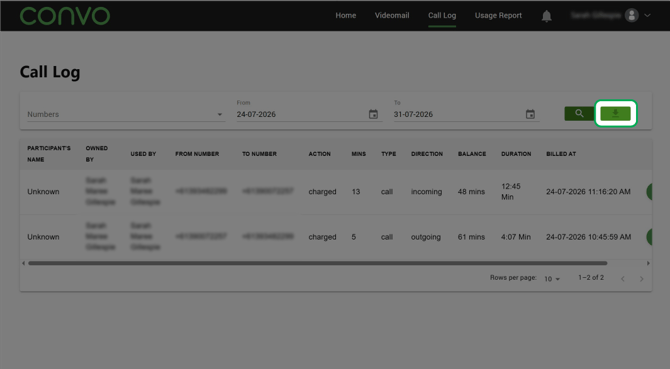
- Select Download to download a copy of your Call Log.
Your downloaded Call Log contains information about your usage and can be used where you need to provide evidence of your calls, for example to Access to Work.