






There are two places in the Convo portal to see your organisation's usage:
- Call Log – every call, with the caller and how long each call lasted. Use it to check individual calls or as evidence of usage.
- Usage Report – total minutes for each number, site or department. Use it for a quick overview of your whole organisation.
Account owners can use both for every number on the account. Individual users can use Call Log for the number linked to their login.
Call Log: see every call
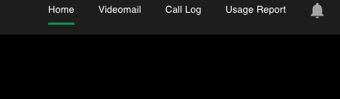
- Sign in to the Convo portal at account.convo.io.
- Go to Call Log.
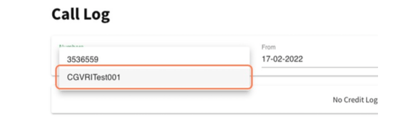
- Choose the number you want to report on.
- Select the From date, then select OK.
- Select the To date, then select OK.
- Select Search to show your calls.
- Select Download and choose CSV or PDF.
What you'll see: each call, the caller and how long the call lasted in minutes. A full phone number means the caller is a Convo customer. A short number means the caller is a guest user.
Usage Report: see total minutes
- Sign in to the Convo portal at account.convo.io.
- Go to Usage Report.
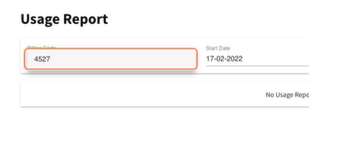
- Select your organisation's billing code.
- Select the Start date, then select OK.
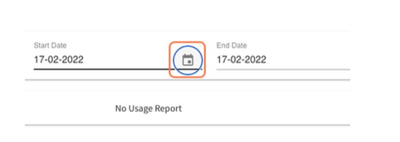
- Select the End date, then select OK.
- Select Search to show your accounts.
- Select Download and choose CSV or PDF.
What you'll see: each account, its billing code and phone number, the type of service used (VRS or VRI) and the total usage in minutes.
Need help? Email our team at access-uk@convo.io and we'll be happy to help.