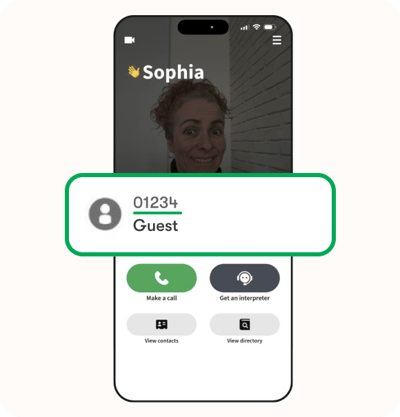




You can receive calls in two ways:
- A hearing person can call your Convo number directly.
- If you have a subscribed package, you can set up call forwarding so calls to your mobile number are forwarded to your Convo number.
How to Find Your Convo Number
Your Convo number is shown on the main page of the app.
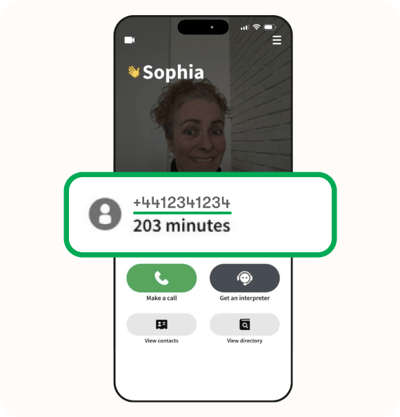
You may also receive your Convo number by email from the Convo team if you have a subscribed package, such as Access to Work (AtW) or Direct Payment (DP).
How to Receive a Call
Step 1
Make sure you are logged in to the Convo Now app. This allows you to receive call notifications and answer incoming calls.
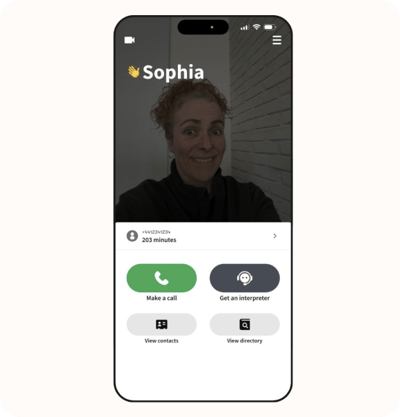
Step 2
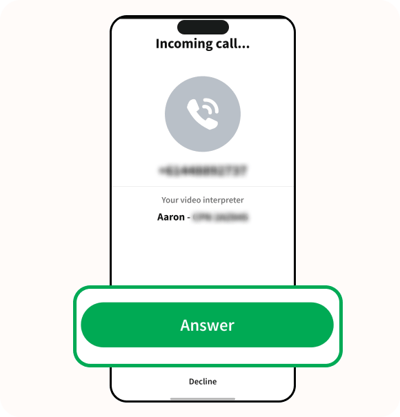
When a hearing person calls your Convo number, the call will appear on your screen.
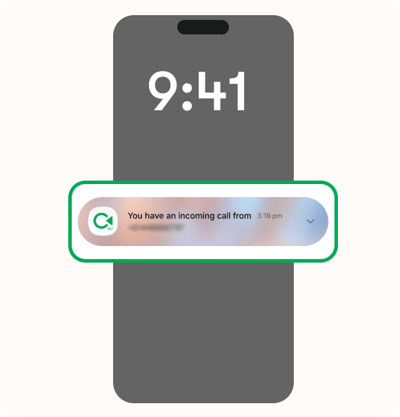
Step 3
Tap Answer.
Step 4
The Convo Now app will open and connect you with a BSL interpreter.
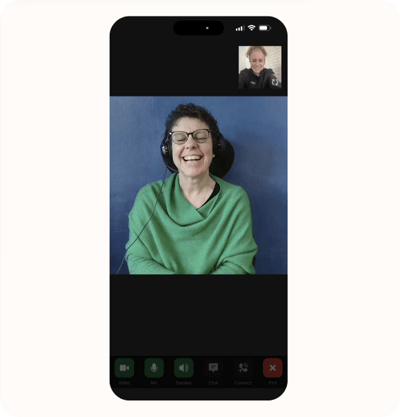
You can then communicate with the hearing person and lead the conversation in your own way.
Optional: Set Up Call Forwarding
If you have a subscribed package, you can set up call forwarding from your mobile number to your Convo number.
This is optional and gives you another way to receive calls.
Step 1
Call forwarding settings are different for each phone. Check the instructions for your device, such as Apple (iPhone) or Android.
Step 2
Follow your phone's instructions to find the Call Forwarding settings.
Step 3
Enter your Convo number as the number you want your calls forwarded to.
Need help?
If you are unsure how to set up call forwarding, contact the Consumer Support team. They can provide information based on your phone and device.
How Do I Switch Between Packages?
You may have more than one Convo number if you have:
- Two jobs with separate Access to Work (AtW) budgets; or
- A work package and a personal package through Direct Payment (DP).
Each package has its own Convo number.
Step 1
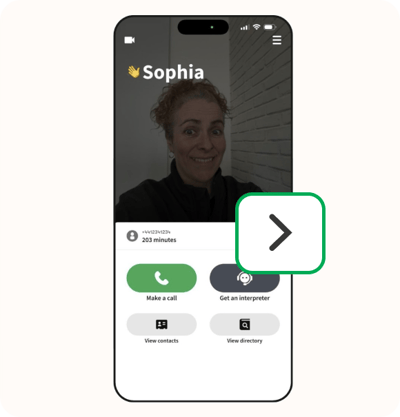
Select the ‘arrow symbol’ button.
Step 2
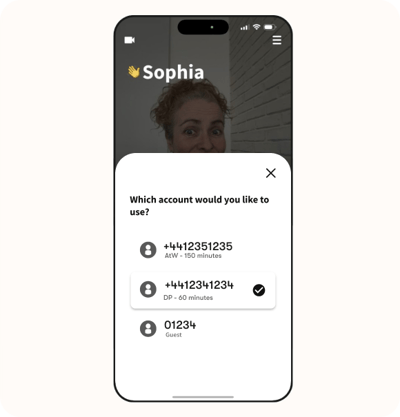
A pop-up will appear showing your available Convo numbers.
Step 3
Select the Convo number you want to use. The selected number will use the matching package.
Then, select the ‘cross symbol’ button to close the pop-up.
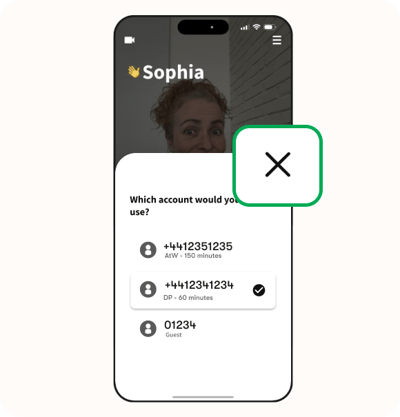
Note: Every customer with a paid package also has a Guest number. Using the Guest number is optional.